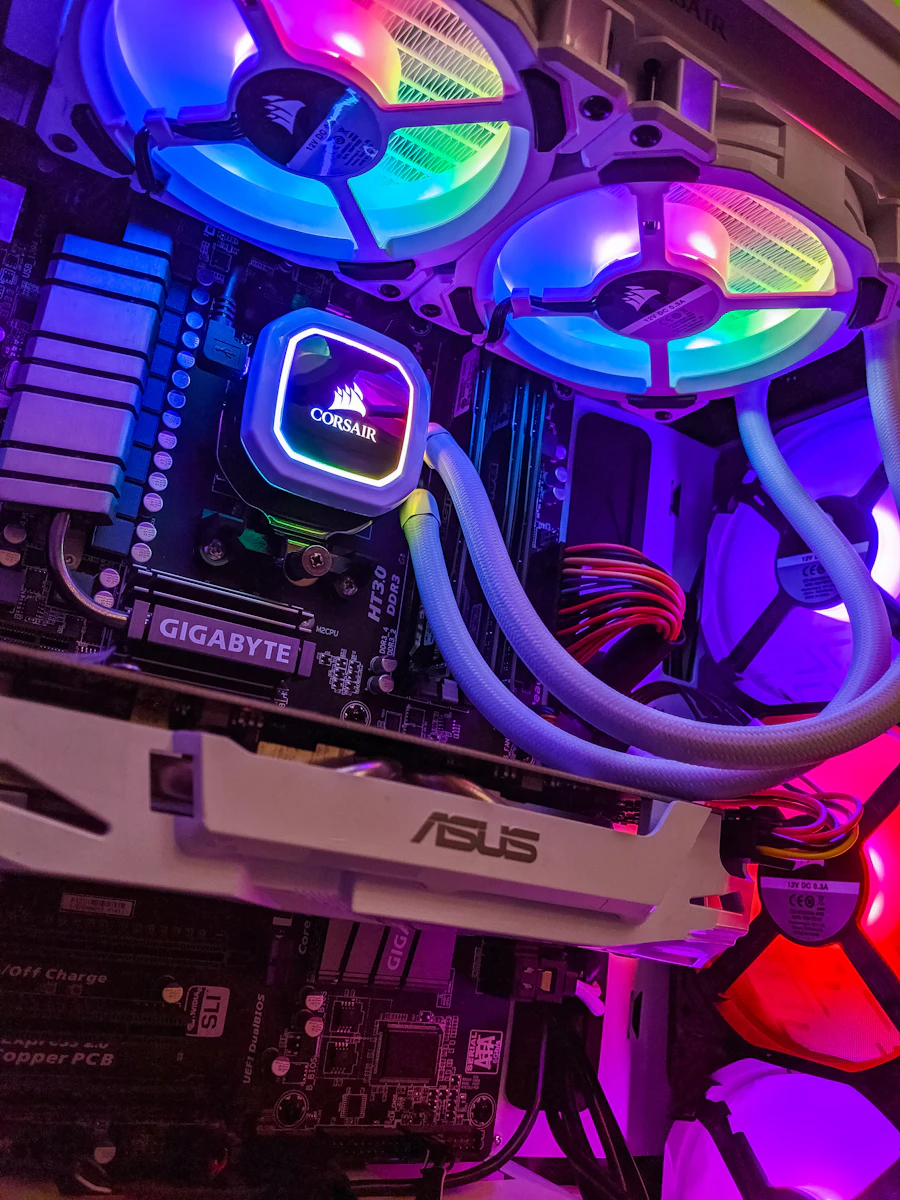
Most Delhi office workers ignore their computers until something goes badly wrong — a total shutdown, a lost file, or a fried motherboard. The truth is, most catastrophic PC failures give you plenty of warning signs weeks or months beforehand.
At Elevant Tech, we provide professional hardware support and internal cleaning services across New Delhi. Here are the 5 most common signs we see before a computer fails — and what to do about each one.
The 5 Warning Signs
Your PC Overheats or Shuts Down Randomly
If your computer is shutting itself off during use, especially under load (video calls, spreadsheets, editing), it's almost always thermal protection kicking in. Dust buildup on the CPU heatsink and GPU fan blocks airflow completely. Internal temperatures can exceed 90°C — far above safe limits. A professional cleaning and fresh thermal paste can drop temperatures by 20–30°C instantly.
The Fan Is Constantly Running Loud
Fans that spin at full speed constantly — even when you're just browsing — are working overtime because the system is already hot. This accelerates wear on both the fan bearings and the components they're trying to cool. Left uncleaned, fans can seize entirely, leaving your system with no cooling at all.
Performance Has Noticeably Slowed
If a PC that used to open Excel in 2 seconds now takes 15, dust could be partly to blame — but bloatware, startup programs, and fragmented storage are usually the bigger culprits. Our Basic Optimization service removes unnecessary startup programs, cleans temporary files, and tunes Windows settings to restore near-original speed.
You Can See or Smell Dust Through the Vents
Hold a flashlight up to your PC's vents. If you see a thick grey mat of dust — or you can smell a hot, dusty odour when the machine is running — the internal components are already insulated by debris. In Delhi's dust-heavy environment, desktop PCs can need cleaning every 6–12 months, laptops every 12–18 months.
It's Been More Than 2 Years Since Last Cleaned
Even if your PC seems fine, preventive maintenance is far cheaper than emergency repair. Thermal paste dries out over 2–3 years and loses its effectiveness. A routine clean and repaste every 18–24 months keeps your hardware running quietly and efficiently — and prevents the sudden failures that cost you a day of productivity.
What a Professional Cleaning Includes
When you book our hardware service, here's what we do:
- Full disassembly and compressed air cleaning of all components
- Removal of old thermal paste and application of fresh high-quality compound
- Fan bearing check and replacement if needed
- Contact cleaning on RAM and GPU slots
- Power supply dust removal
- Final temperature stress test to confirm improvement
Most cleanings take 1–2 hours and are done at your office or our Khanpur location. Book your service today →
When to Repair vs. Replace
If your PC is older than 7 years and showing multiple signs above, replacement may be more cost-effective than continued repair. Our team can give you an honest assessment — we'll tell you if a clean will solve it or if it's time to upgrade. We don't charge for the consultation.